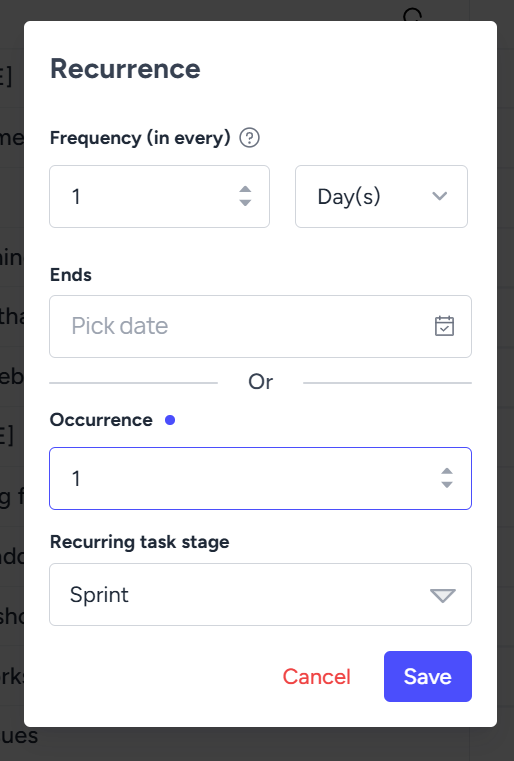
Recurring Tasks
Recurring tasks are tasks that repeat on a regular basis — daily, weekly, monthly, or custom intervals. Instead of recreating them manually each time, the system auto-generates them based on a set schedule.
Common Examples:
Weekly team check-ins
Monthly report generation
Quarterly performance reviews
Daily stand-up reminders
Benefits:
Saves time by eliminating repetitive task creation
Reduces chances of forgetting important recurring activities
Keeps routines consistent across teams
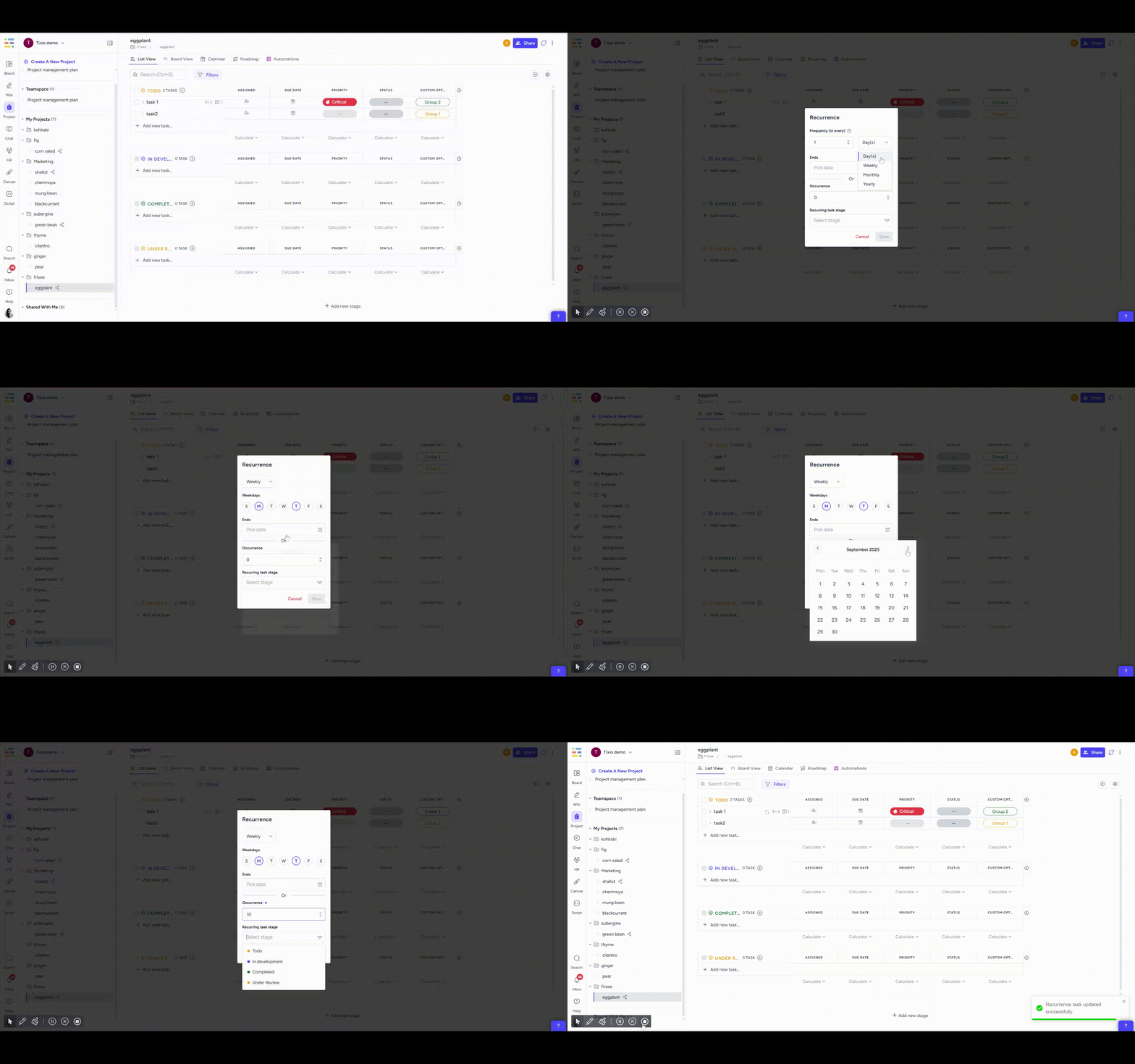
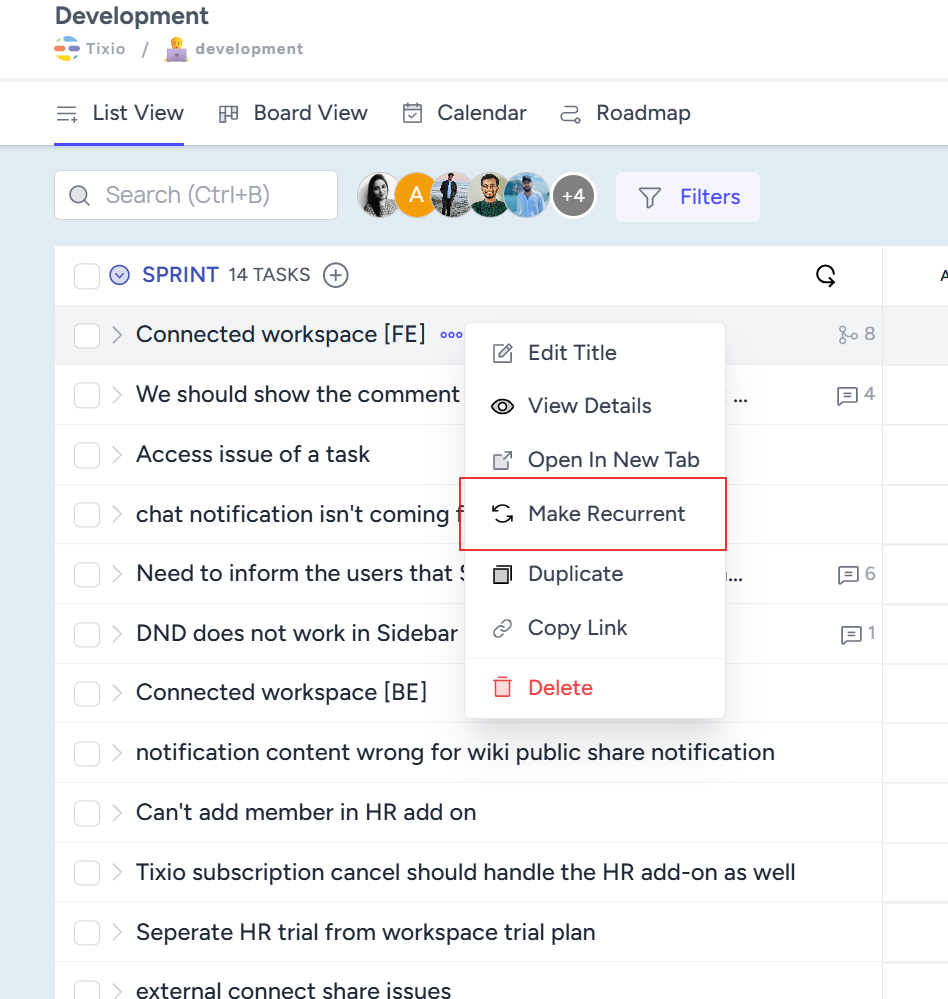
Select a task and click on the recurrent button to open the settings. Once you setup a task to be recurrent, based on your configuration the task will be recreated by system automatically at your given recurrence time.
You can pick the recurring frequency to be weekly/monthly/ yearly basis and give it a start date and stage where the task will be created.