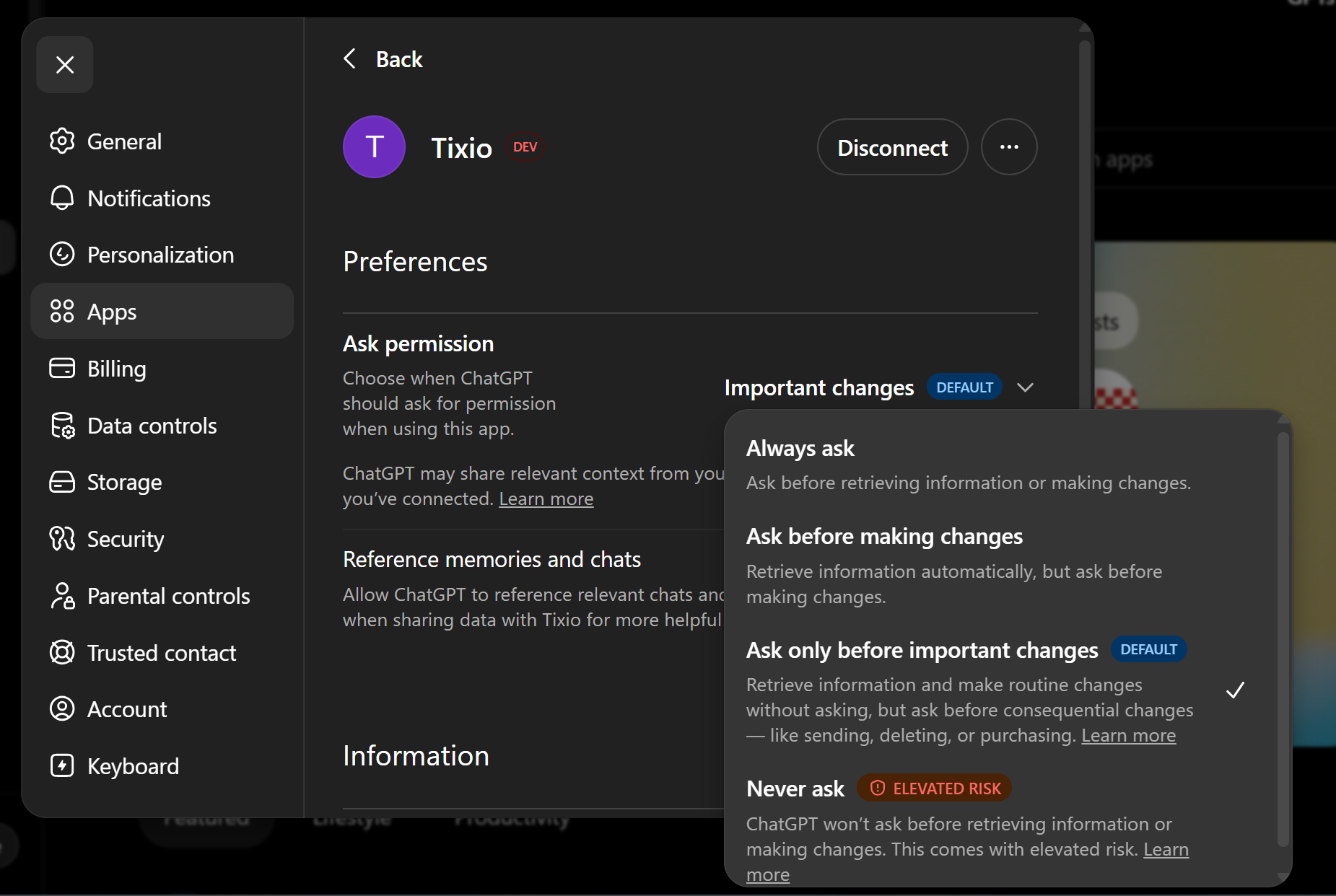
Open https://chatgpt.com/
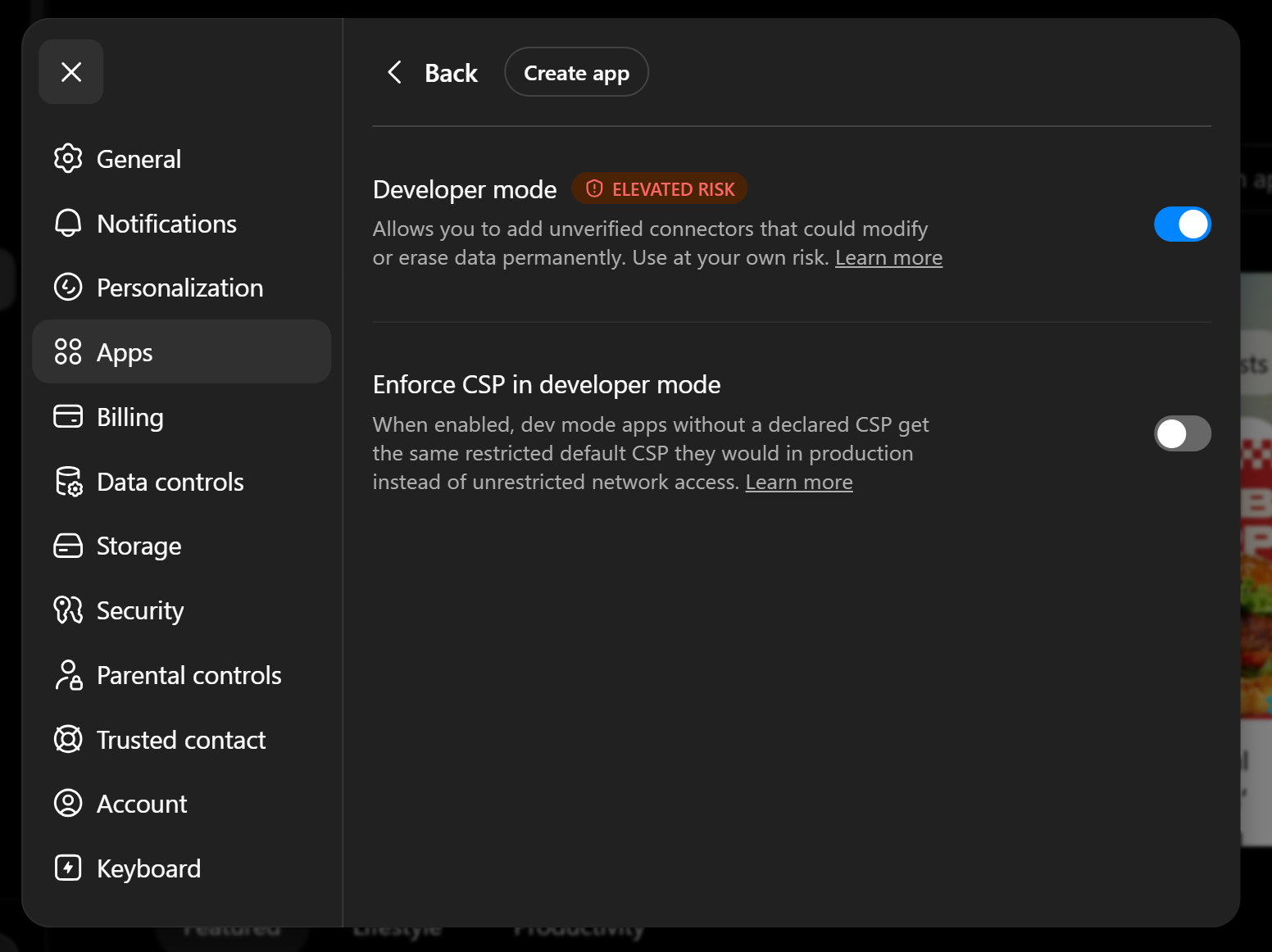
Go to Settings > Apps > Advanced > Enable developer mode
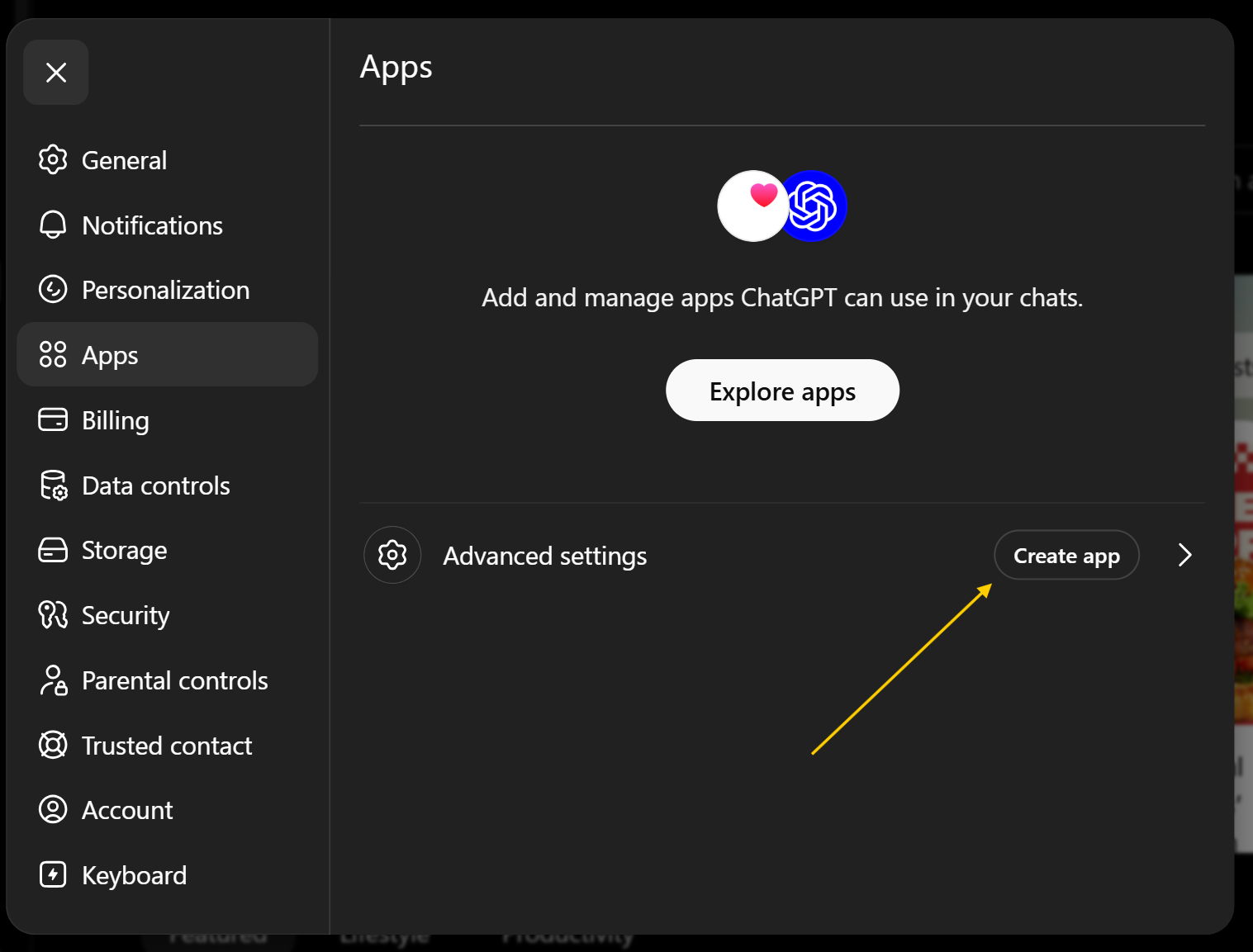
The go back and click on Create App
Add this URL as remote MCP server URL: https://mcp.tixio.io/mcp
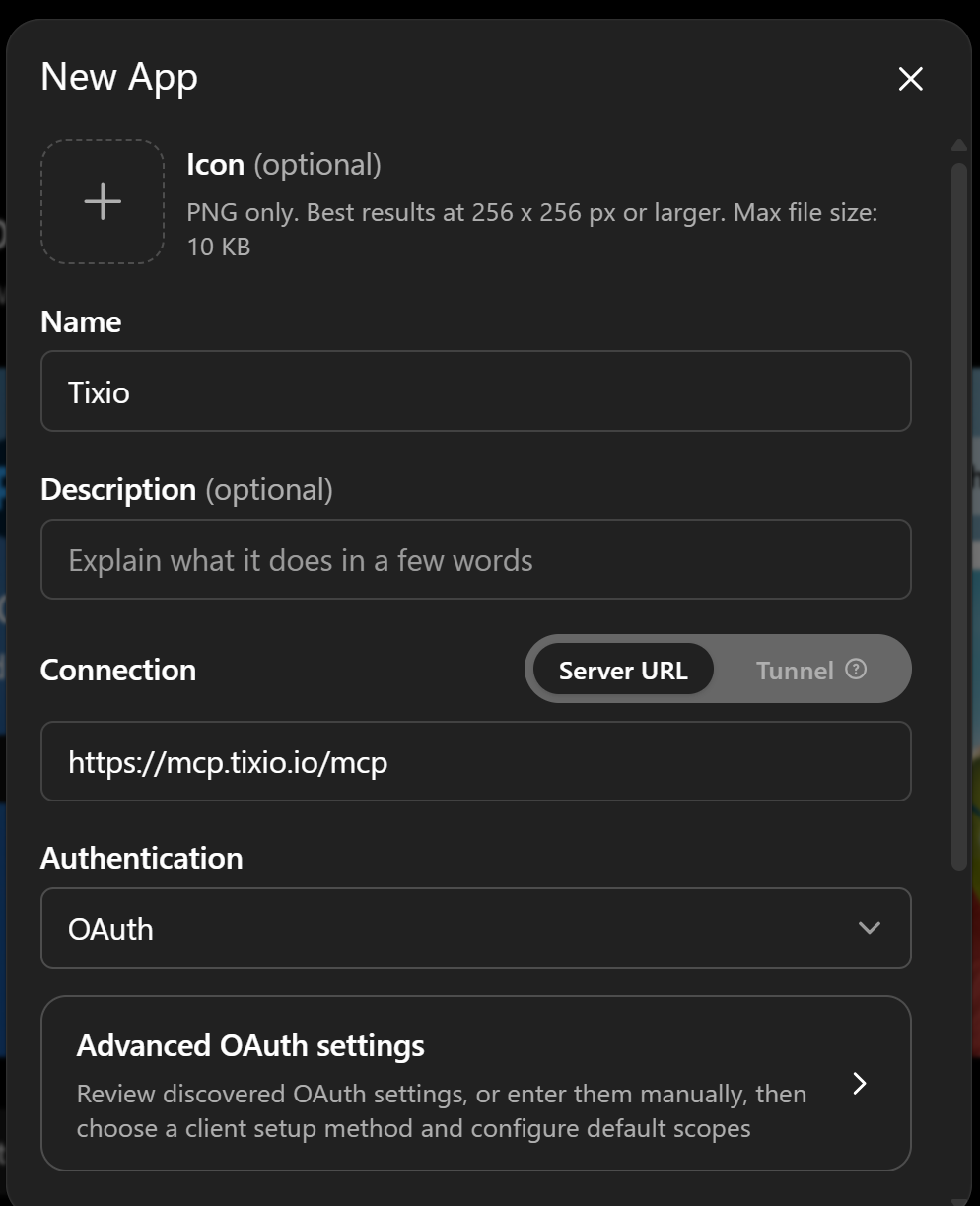
Click on Create button to continue
Choose your workspace that you want Tixio MCP to connect to
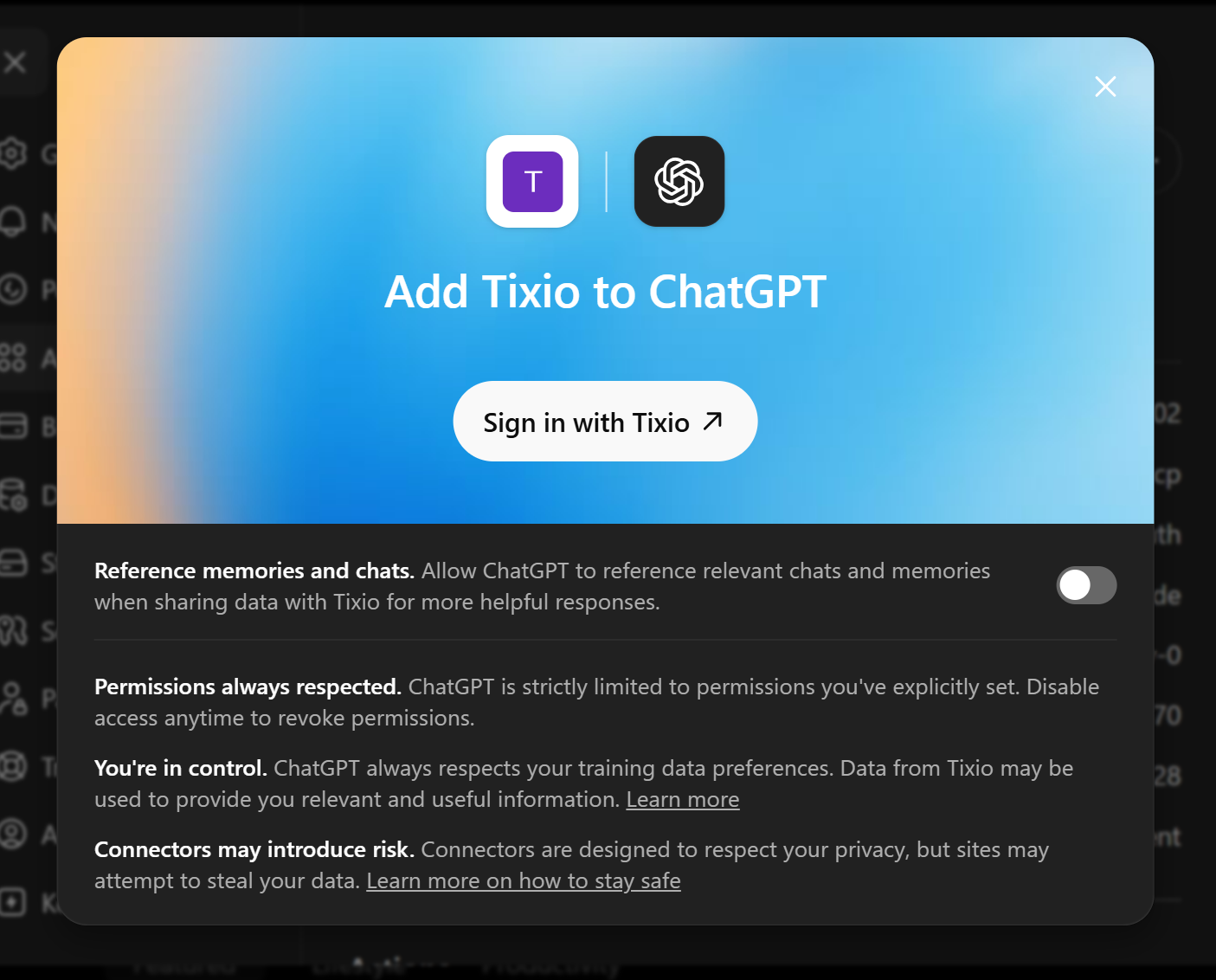
Now Sign in with Tixio & allow access
Give necessary approvals to read and write into your workspace