

Open https://claude.ai/
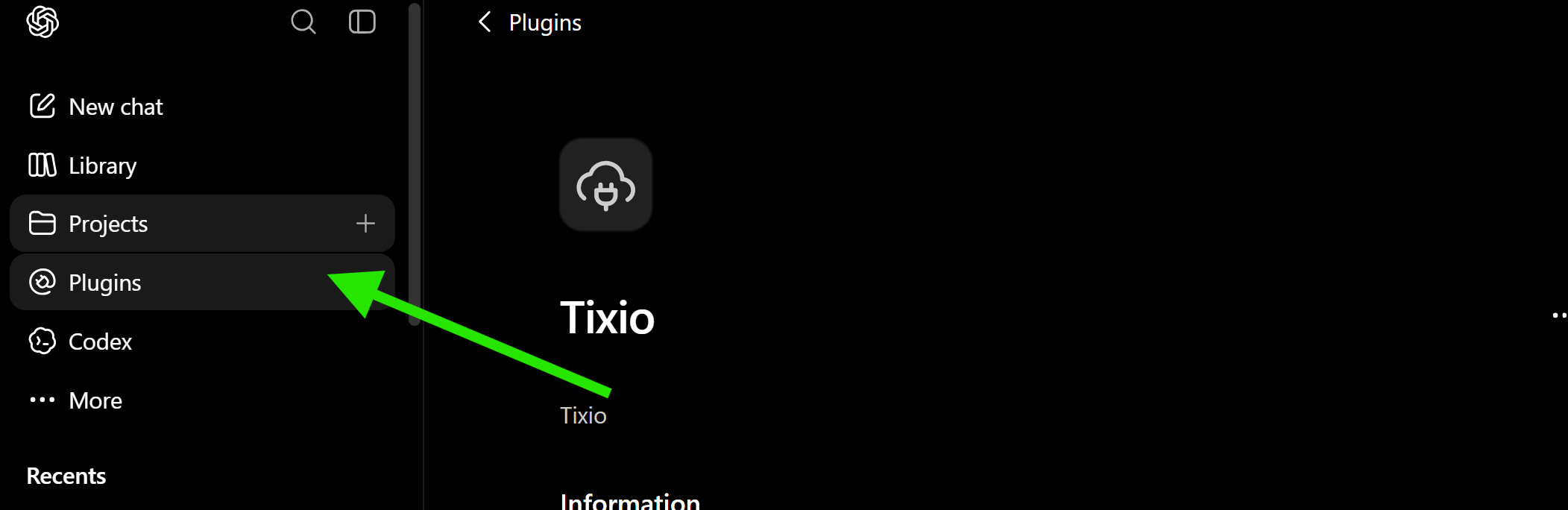
Go to Plugins from left sidebar
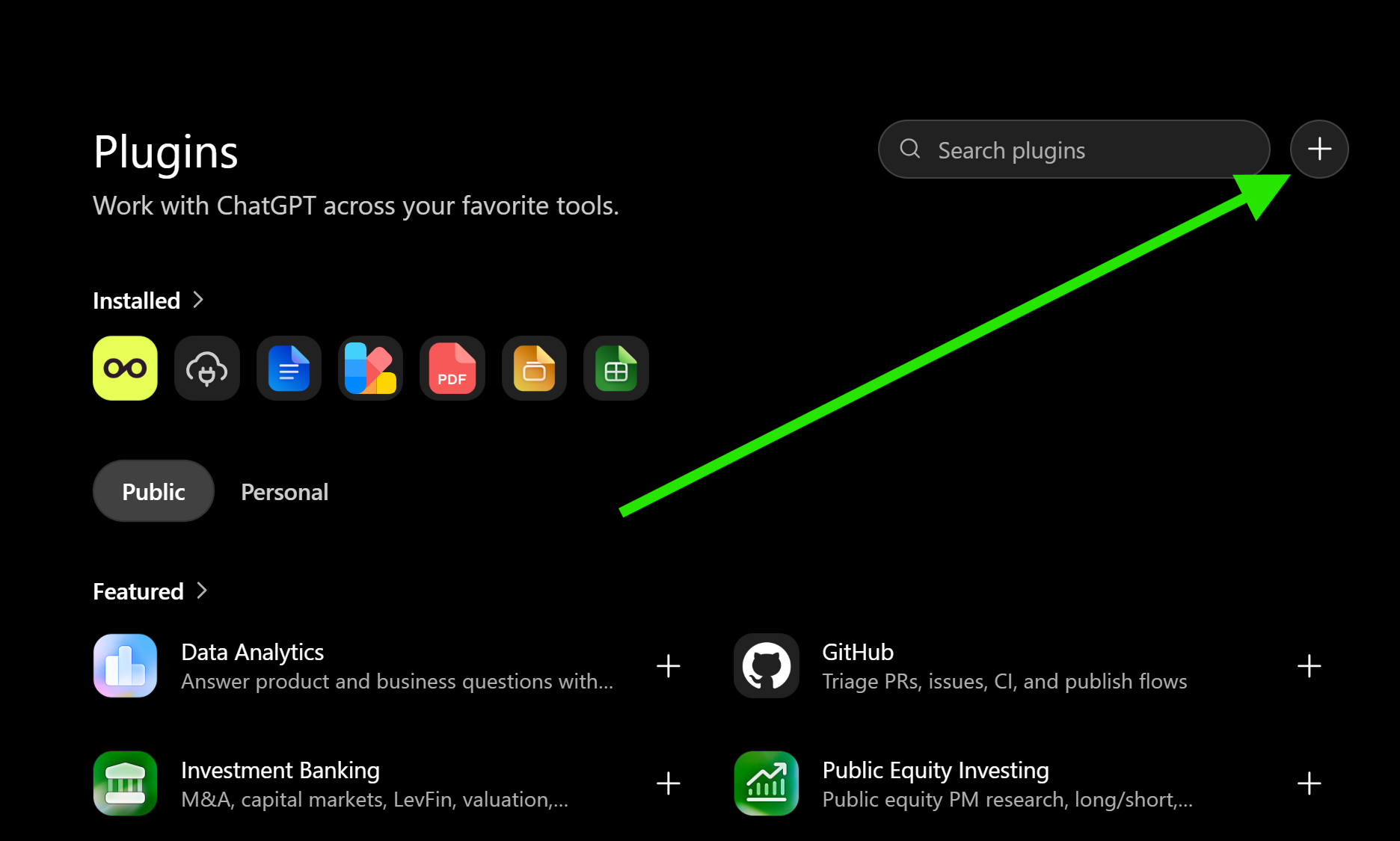
Click on the plus button
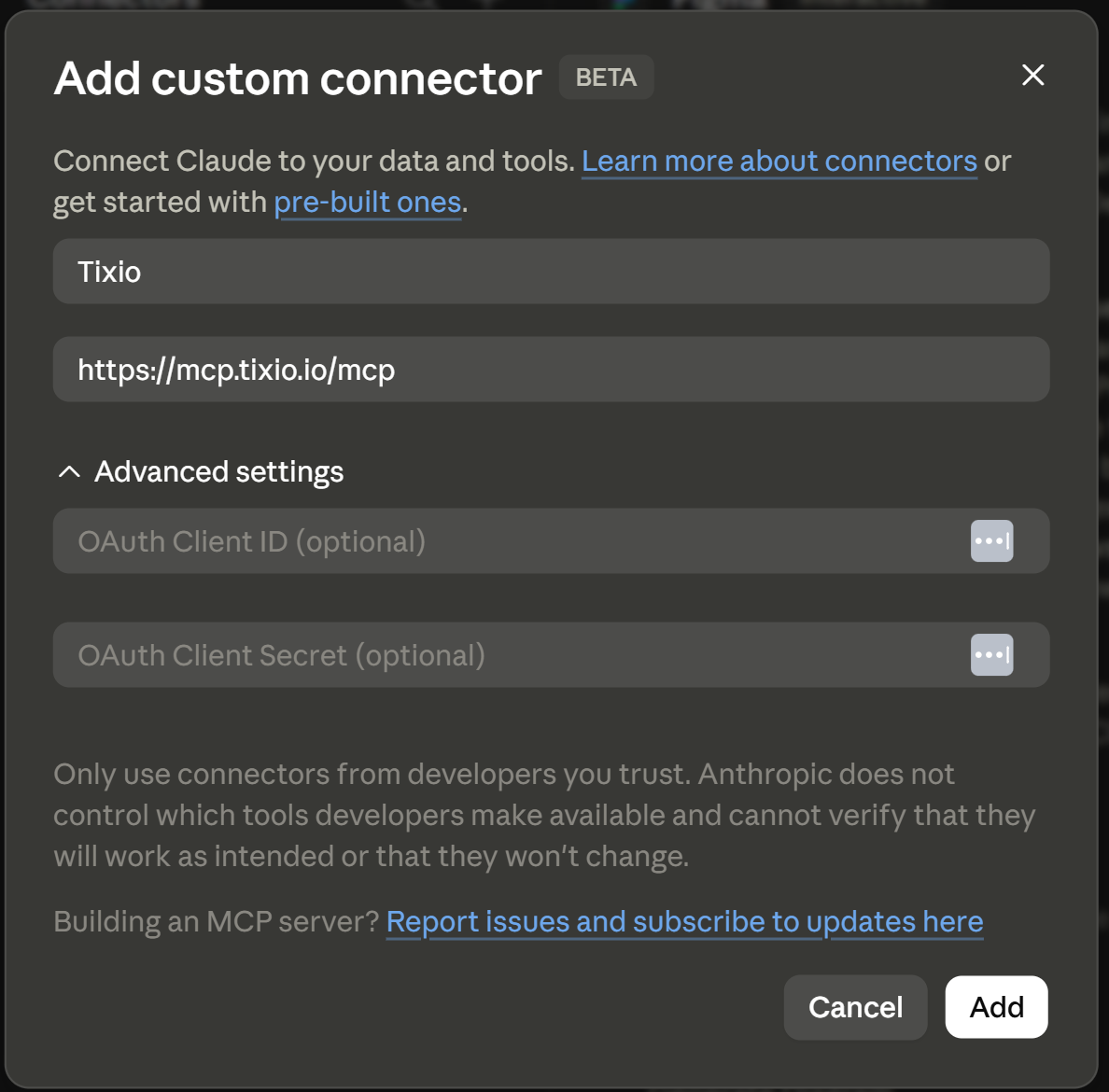
Add a name to the connector
Add this URL as remote MCP server URL: https://mcp.tixio.io/mcp
Click on Connect button to continue
Choose your workspace that you want Tixio MCP to connect to
Allow access to your account
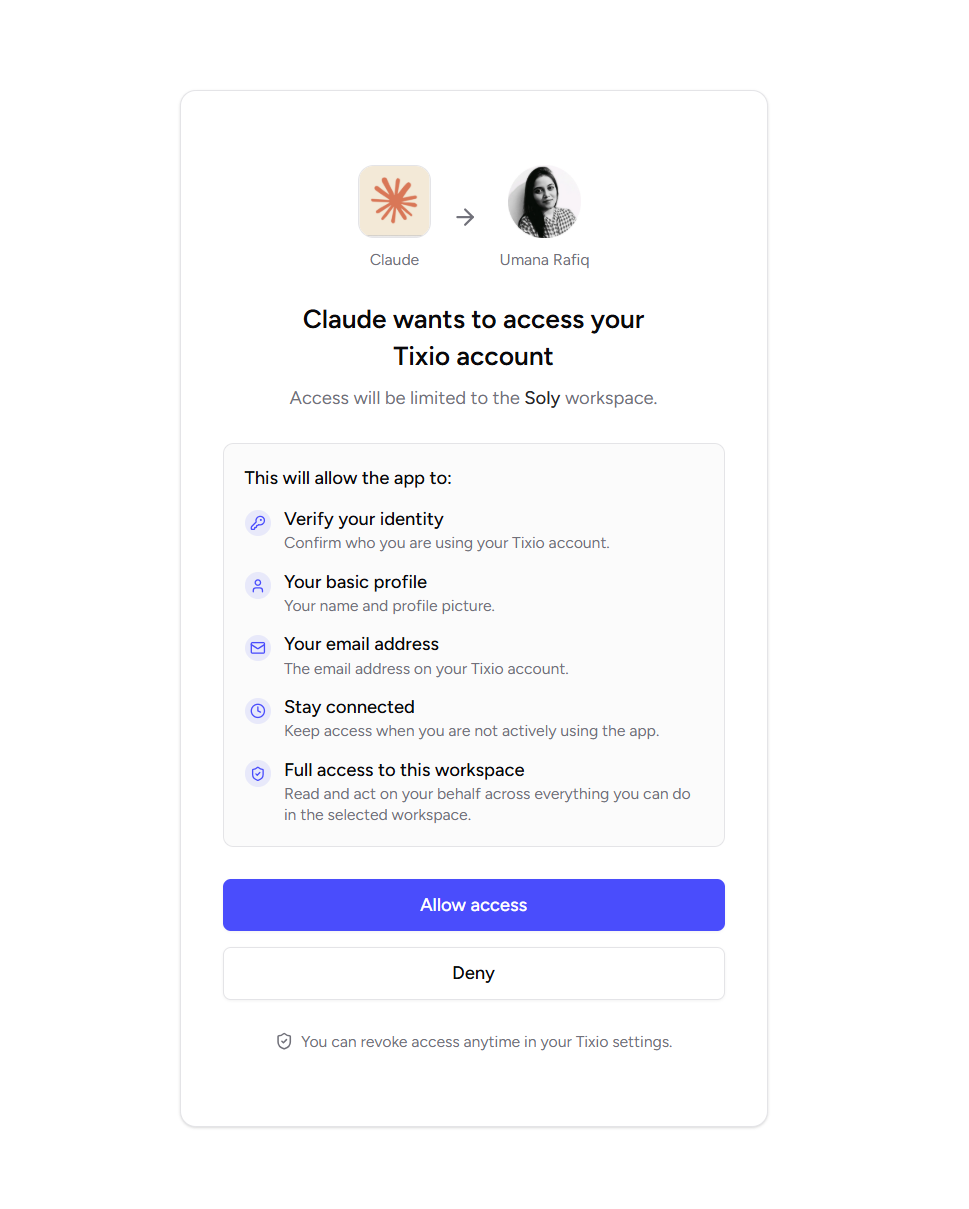
Give necessary approvals to read and write into your workspace
Go to Plugins again
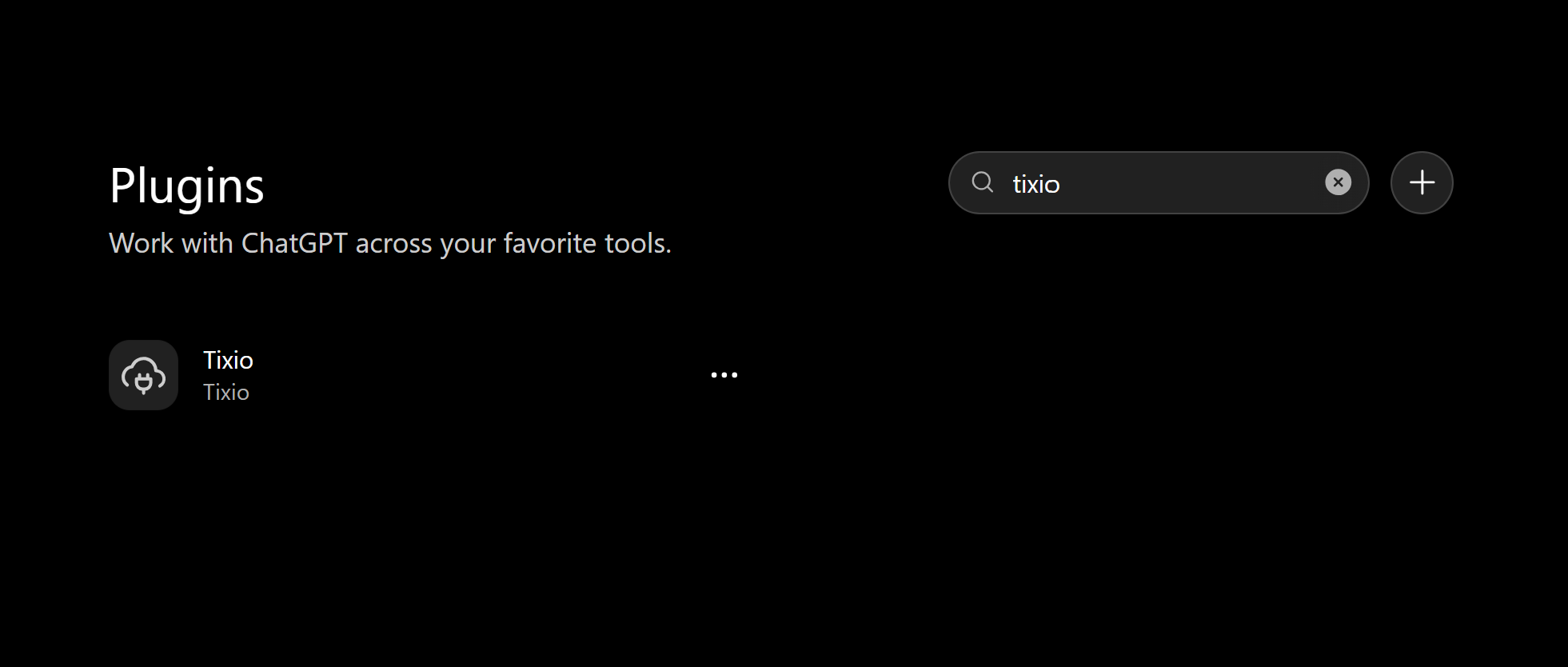
Type Tixio and select the Tixio Plugin
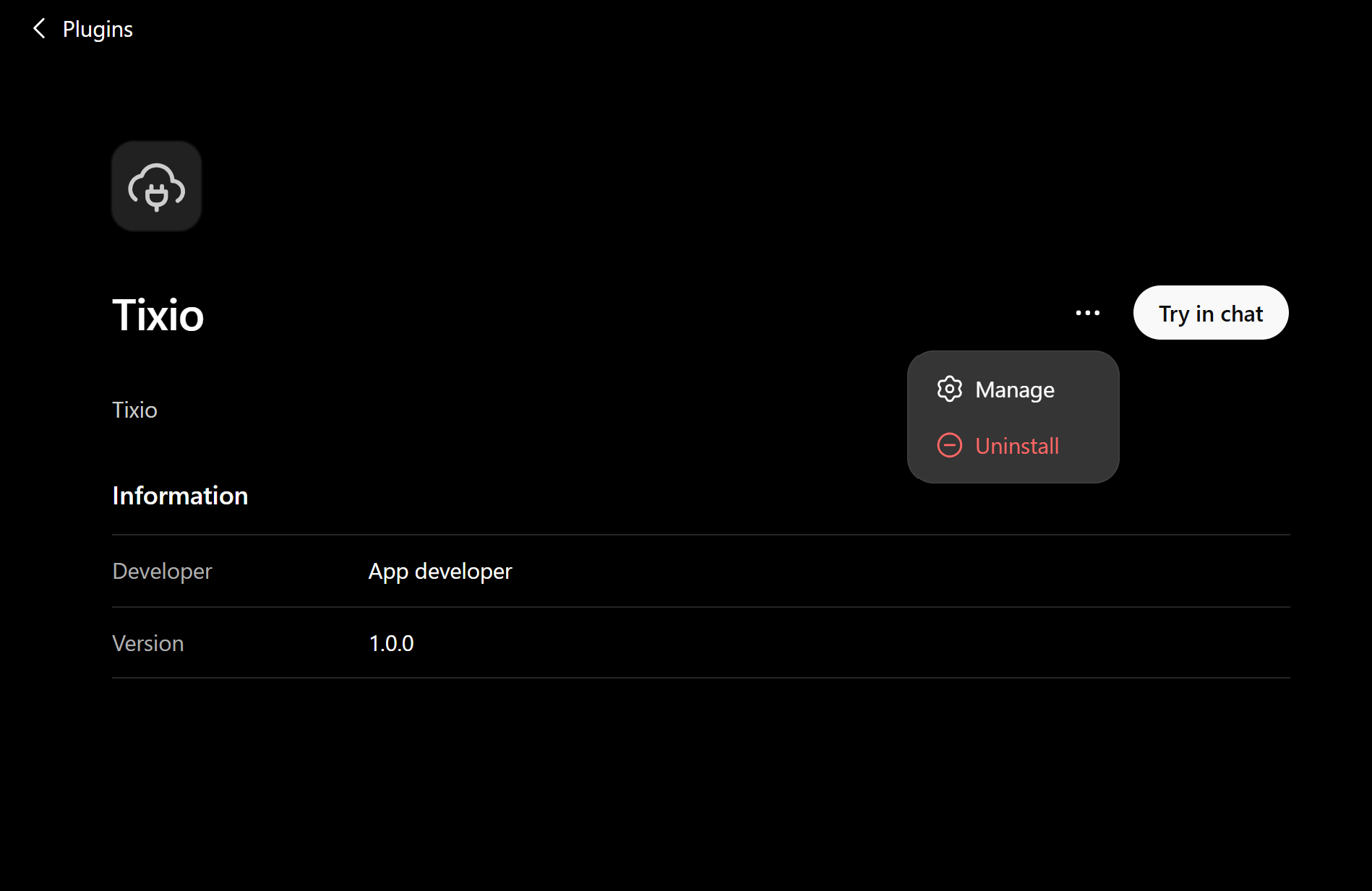
Once inside click on the 3 dot menu on top-right corner and click “Manage”
Open modal and click on “Permissions“
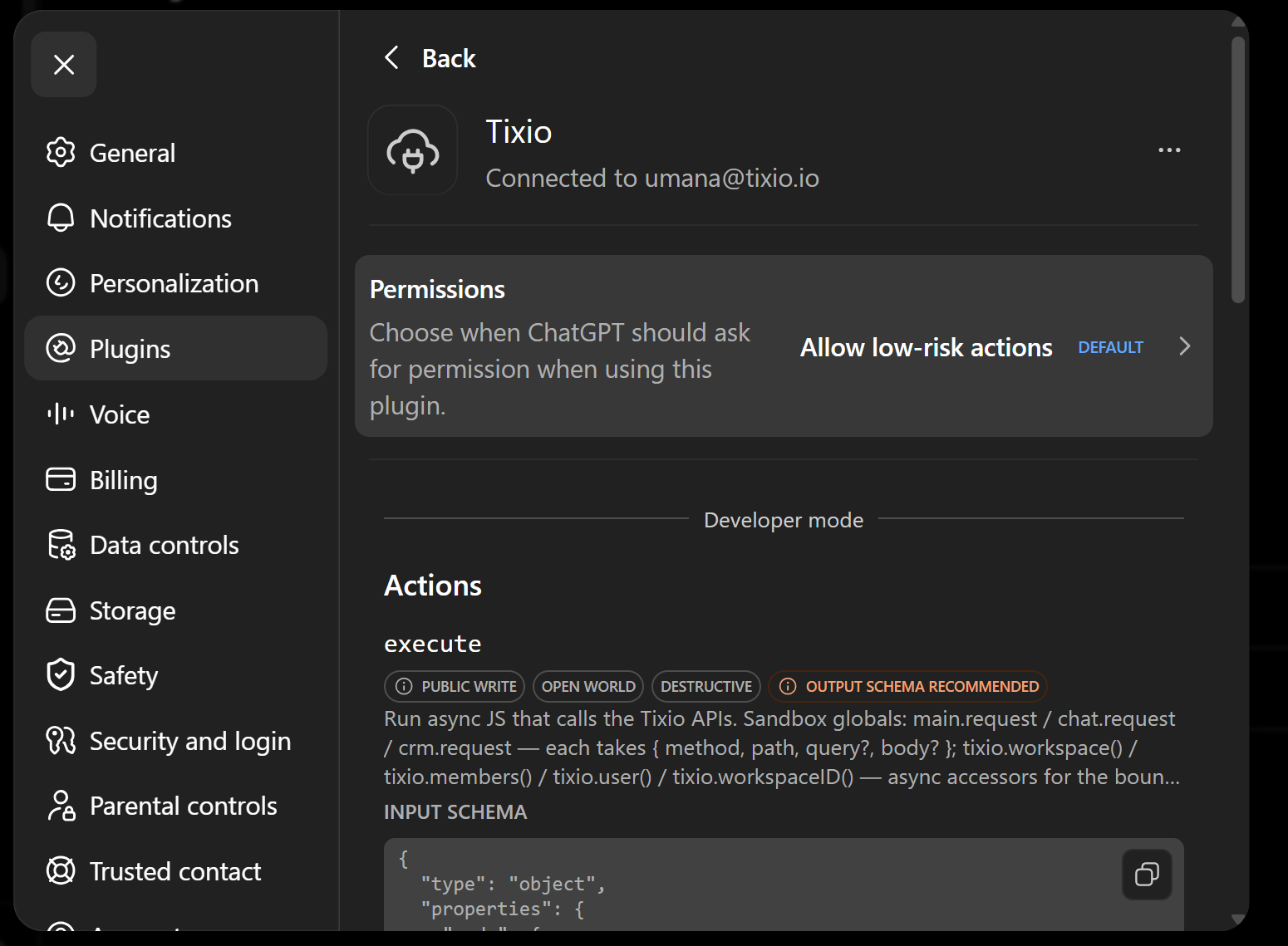
Select “Allow all actions” from the options and close the modal
And now you’re ready to take actions inside Tixio directly from ChatGPT