In Tixio CRM, you can add your Google calendar and setup reminders for lead events. For example, if you have a meeting with a lead, you can connect your calendar and get notified / reminded of when the event takes place.
Go to leave settings from the sidebar
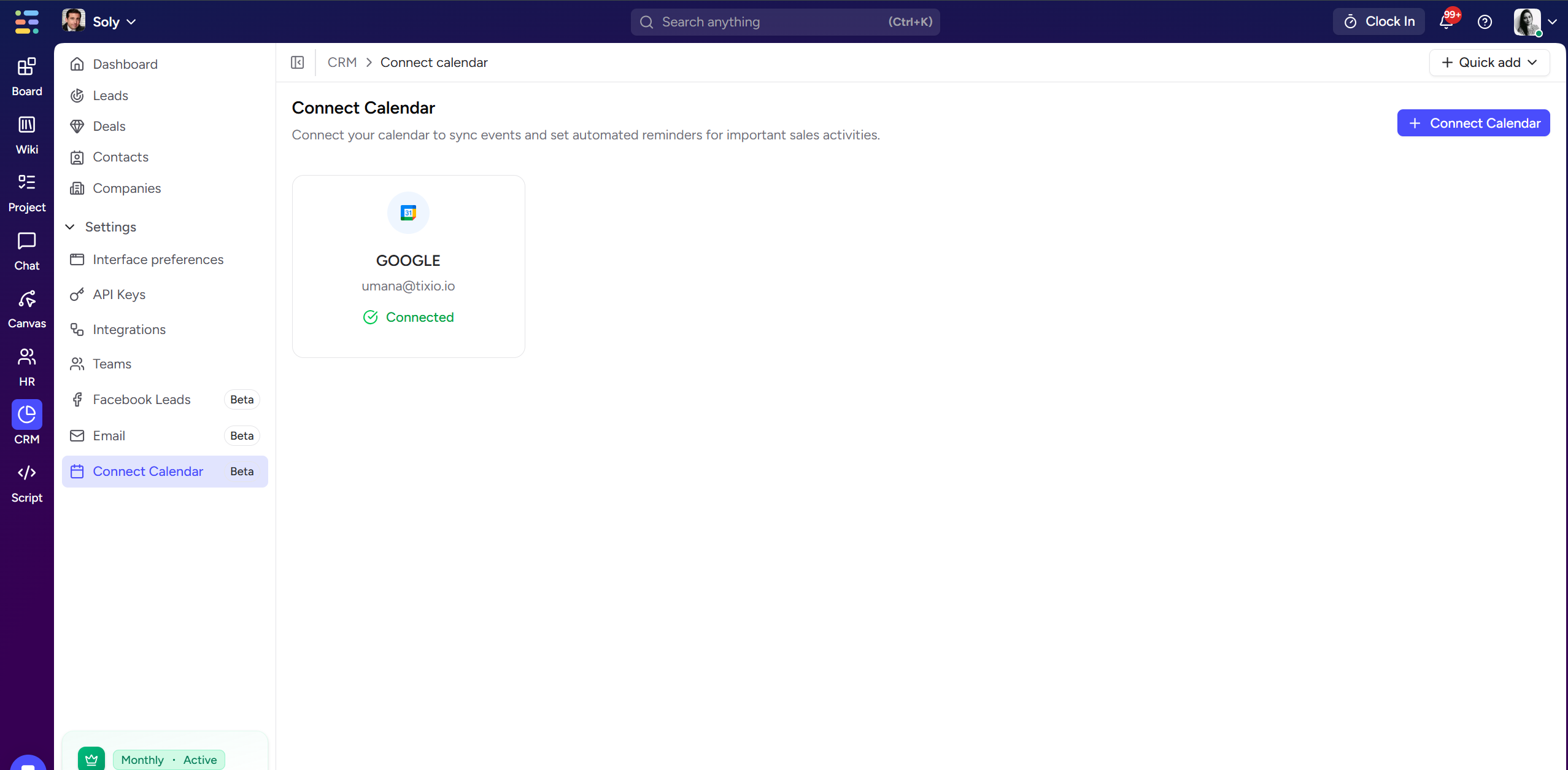
Select Connect Calendar from the sidebar
Click on Connect Calendar Button
Connect your Google calendar account
Select a lead / deal and go to activity from the details tab
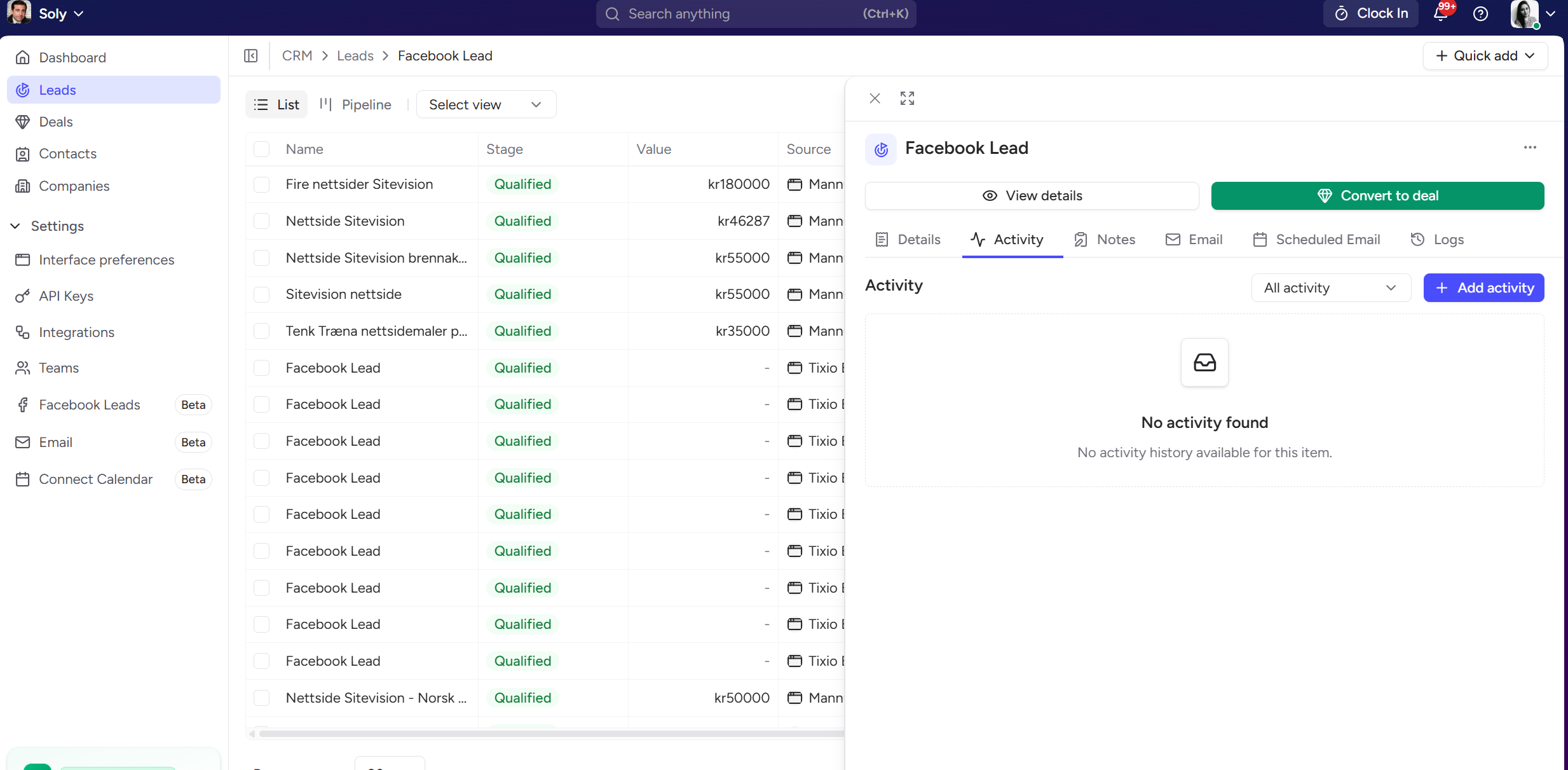
Click on Add Activity button and go to meetings
Setup meeting date and time along with meeting details
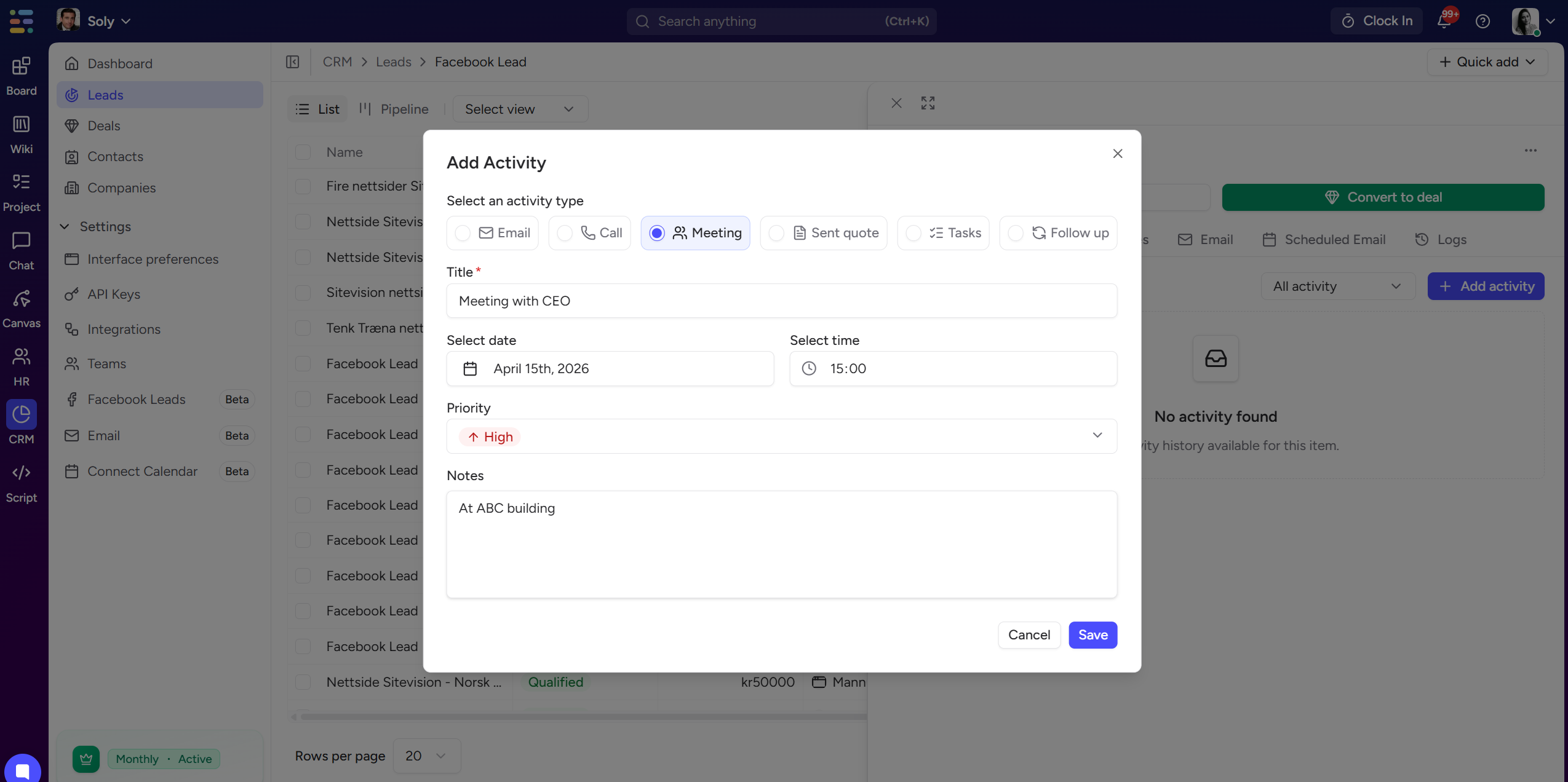
Now click save and you’ll be able to see the event created on your calendar

